![logotype_lanterna_education_blue (1).png]](https://support.lanterna.com/hs-fs/hubfs/logotype_lanterna_education_blue%20(1).png?height=40&name=logotype_lanterna_education_blue%20(1).png)
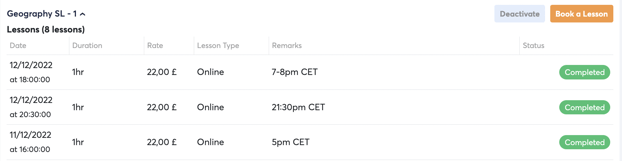
You should always book the lesson in the students timezone.
Once you are logged into the Portal you can click on 'My Students' on the lefthand sidebar and select the student you wish to book a lesson with.
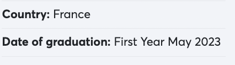
After selecting the student you will be able to see which country the student is currently located in. You should then book the lesson in the countries timezone.
In the case that you cannot see the students country, make a note of the timezone when you book the lesson into the Portal.