![logotype_lanterna_education_blue (1).png]](https://support.lanterna.com/hs-fs/hubfs/logotype_lanterna_education_blue%20(1).png?height=40&name=logotype_lanterna_education_blue%20(1).png)
To find your subjects, log in to the Portal and click My Tuition in the left-hand sidebar.
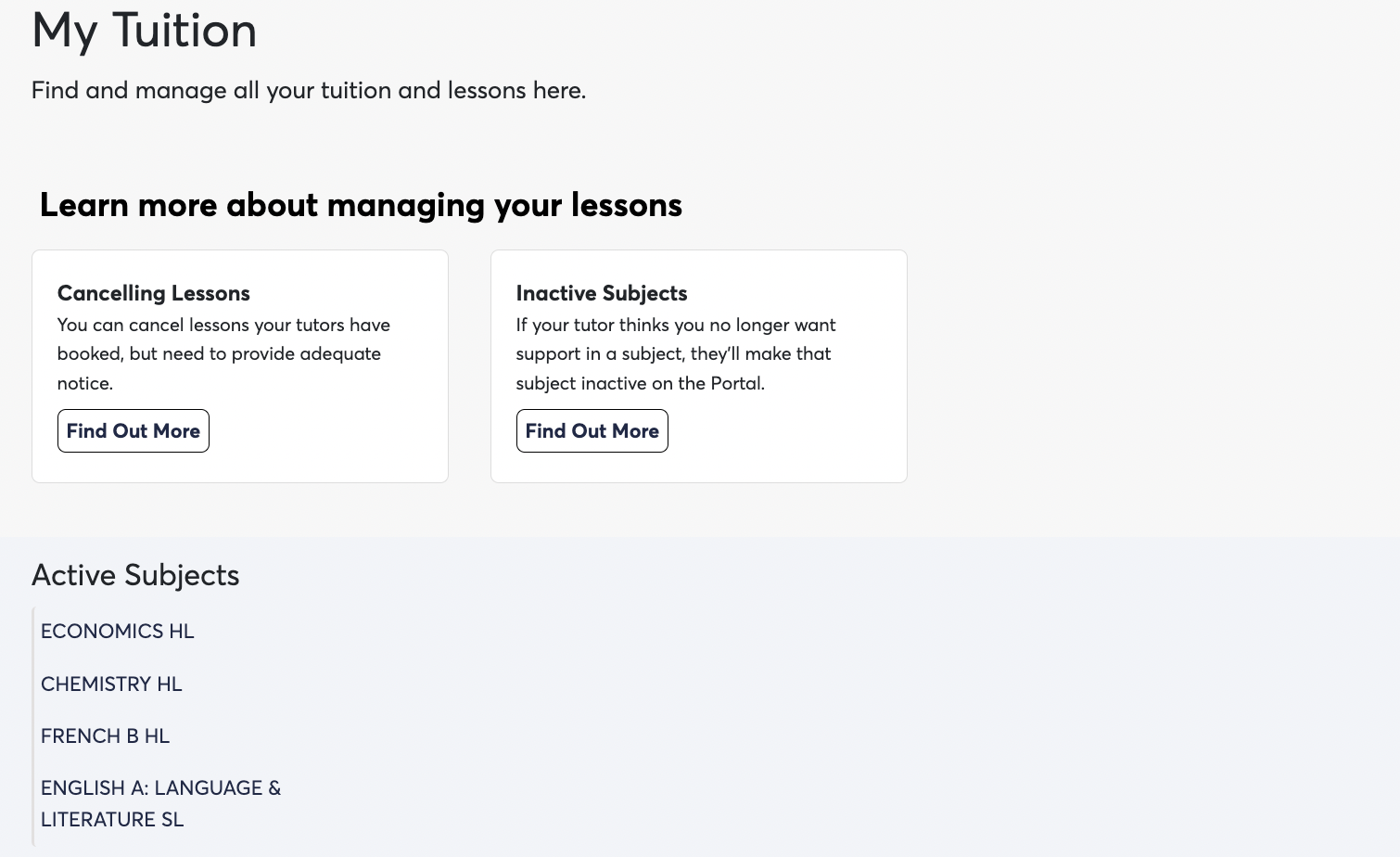
Here you'll see all of your subjects. You may be receiving support from more than one tutor across more than one subject. Click on a subject and let the page reload to see your lessons, including:
- Date and time booked
- Duration
- Remarks/feedback from your tutor
- Lesson status
Active and inactive subjects
To help you and your tutors keep this page tidy, each subject can be marked active or inactive:
- Active subjects are subjects where your tutor is actively delivering support to you.
- Inactive subjects are subjects where you and your tutor have paused, completed or ended your tutoring together — for example, over a summer break, once a specific piece of work is done, or once you've used all the credits for that subject.
A few things to know:
- Making a subject inactive doesn't affect any credits or packages you've bought for that subject.
- A subject can be made active or inactive at any time.
- Only your tutor can change a subject's status. If you'd like a subject made active or inactive, just speak with your tutor.
Next step: Thinking about a break? See Can I pause lessons over holidays or study leave?
Related articles