![logotype_lanterna_education_blue (1).png]](https://support.lanterna.com/hs-fs/hubfs/logotype_lanterna_education_blue%20(1).png?height=40&name=logotype_lanterna_education_blue%20(1).png)
To see your booked lessons, follow these steps:
1) Log in to the Portal at https://portal.lanterna.com
2) Click My Tuition in the left-hand sidebar
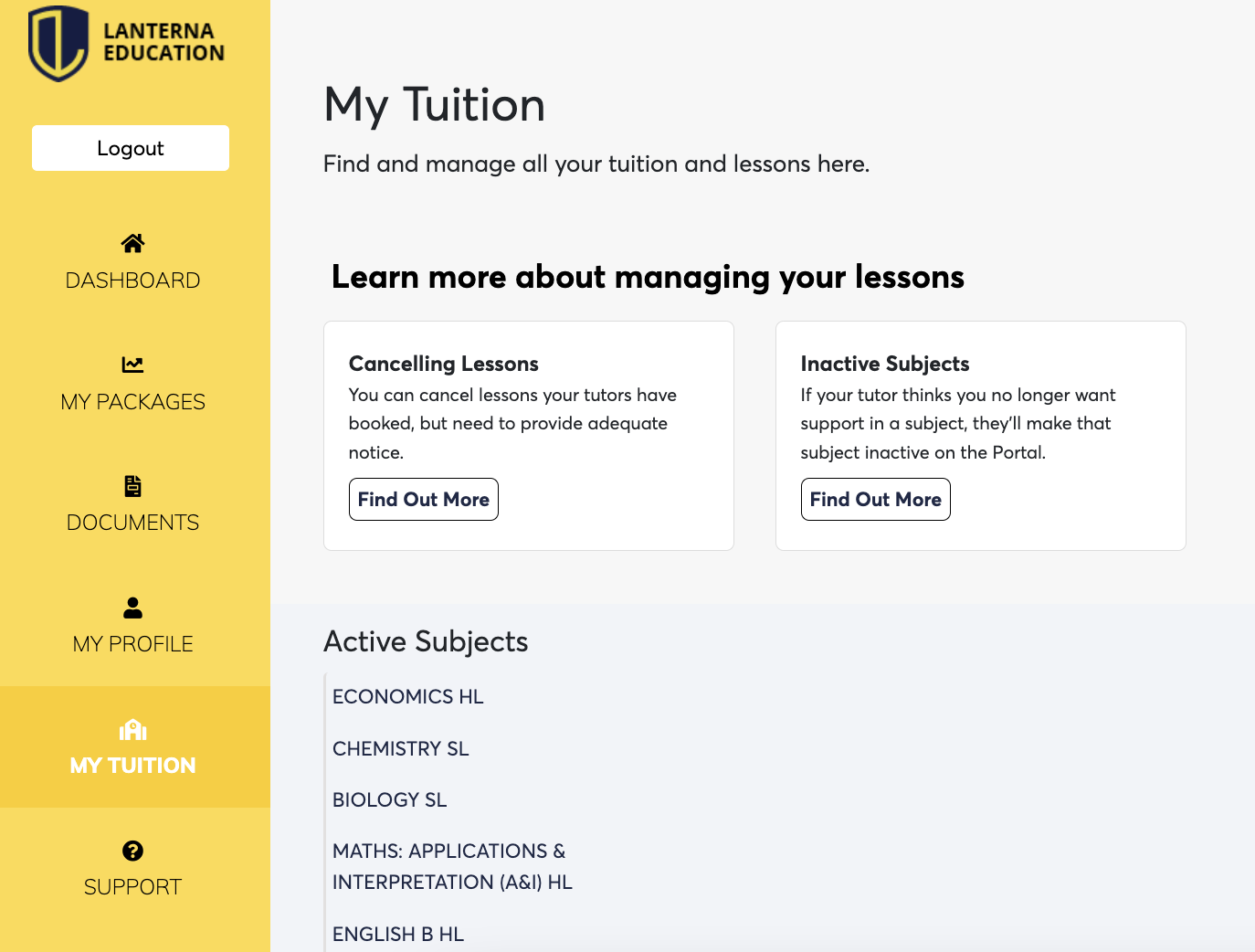
3) Click on the subject whose lessons you want to view
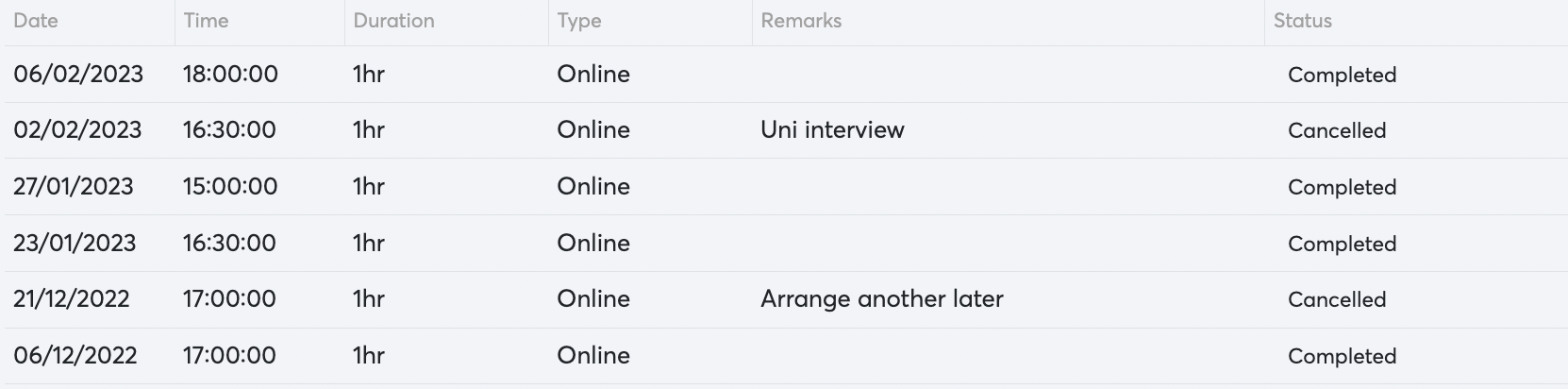
A timetable will appear showing all of the lessons you've already completed, along with any upcoming lessons your tutor has booked.
Next step: Ready to schedule more? See Booking lessons.
Related articles