![logotype_lanterna_education_blue (1).png]](https://support.lanterna.com/hs-fs/hubfs/logotype_lanterna_education_blue%20(1).png?height=40&name=logotype_lanterna_education_blue%20(1).png)
To view your profile, log in to the Portal and click My Profile in the left-hand sidebar.
This section holds all your account information — name, contact details, and so on. Your username is your email address. Fields marked with a red asterisk are required. Please keep your details up to date so we can support you properly.
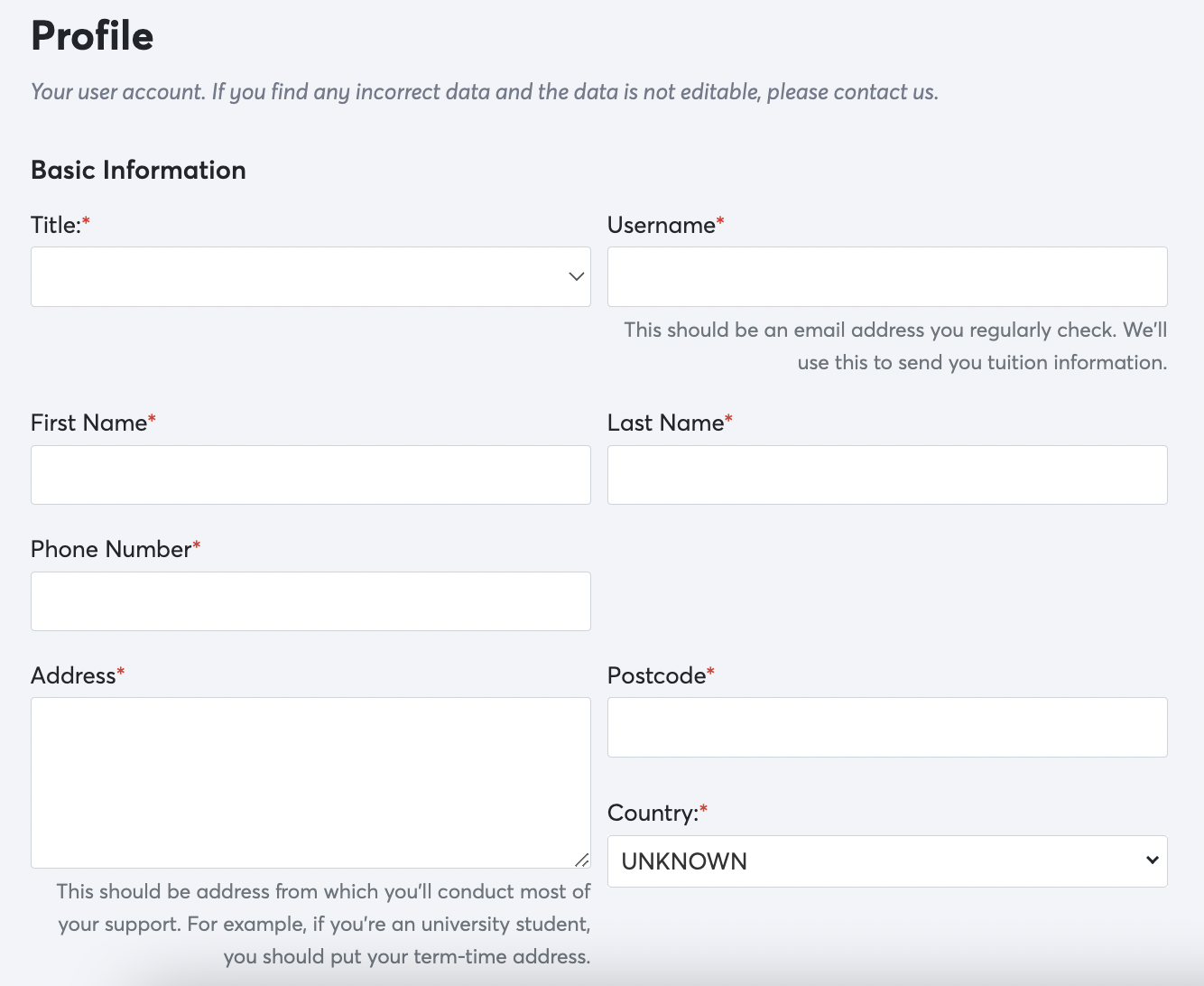
To edit your profile:
- Log in to the Portal
- Go to My Profile from the left-hand menu
- Edit any fields you need to update
- Press Save Changes to Profile before leaving the page
Tip! Always press Save Changes to Profile before you leave, or your changes won't be kept.
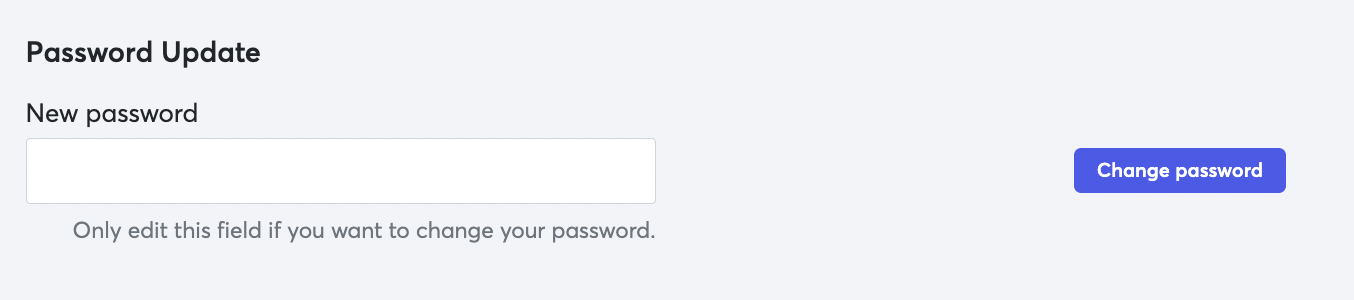
You can also reset your password at the bottom of this page.
Next step: Need to change your login details? See the related articles below, or message us on live chat.
Related articles