![logotype_lanterna_education_blue (1).png]](https://support.lanterna.com/hs-fs/hubfs/logotype_lanterna_education_blue%20(1).png?height=40&name=logotype_lanterna_education_blue%20(1).png)
To see your booked lessons follow these steps:
1) Login to the Portal
Lanterna Student can login here
Elite IB students can login here
2) Click on 'My Tuition' on the left hand sidebar
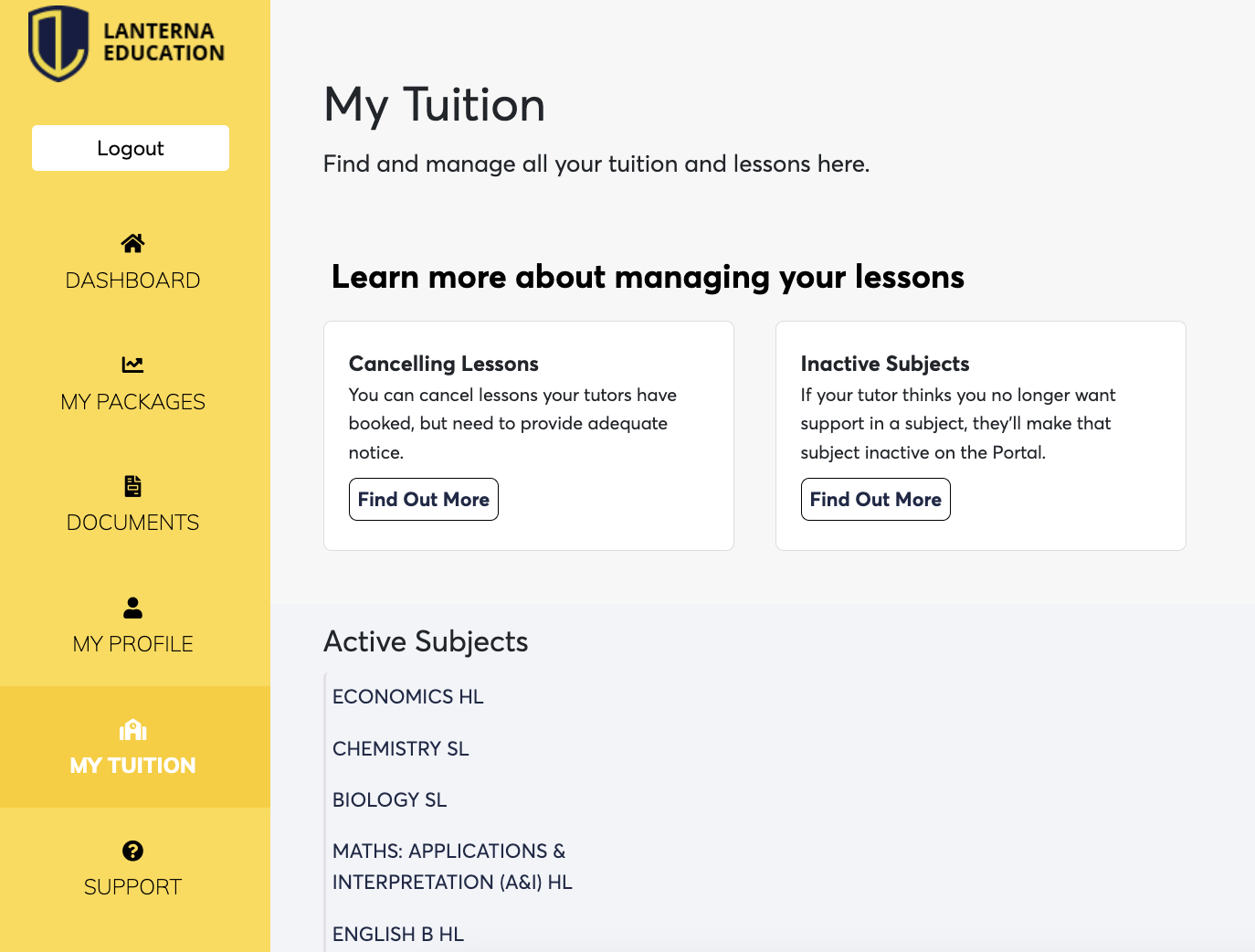
3) Click on the subject you want to view your scheduled lessons for
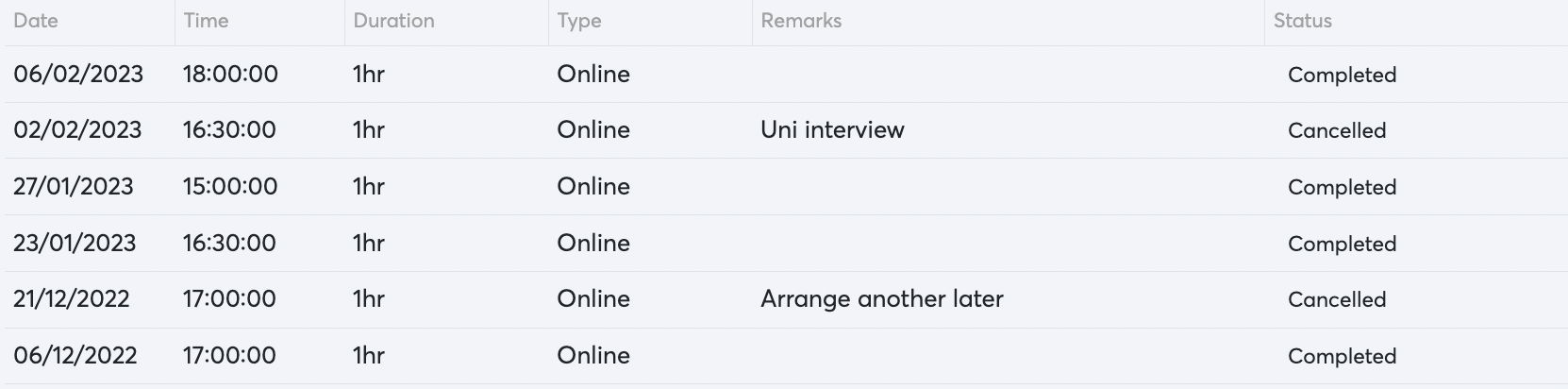
A timetable will pop up showcasing all of the lessons you have already completed, along with all of the future lessons that your tutor has booked.