![logotype_lanterna_education_blue (1).png]](https://support.lanterna.com/hs-fs/hubfs/logotype_lanterna_education_blue%20(1).png?height=40&name=logotype_lanterna_education_blue%20(1).png)
To view your profile login to the Portal and click on 'My Profile' on the left hand sidebar.
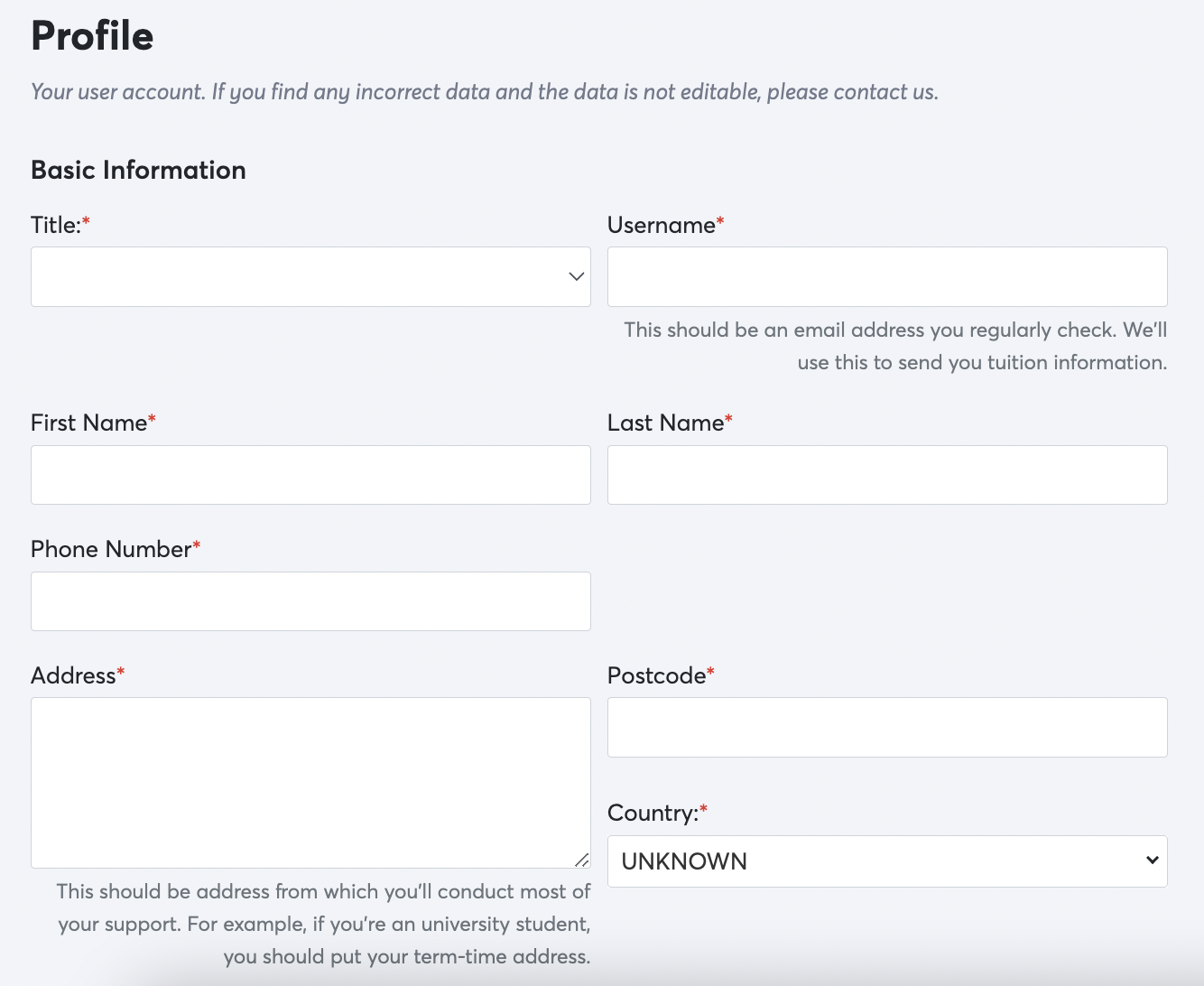
This section includes all your user account information (name, address, phone number, etc.). Your username for the account is your email address. All fields marked with the red asterisks are mandatory fields that need to be filled. Please make sure your information is always up to date.
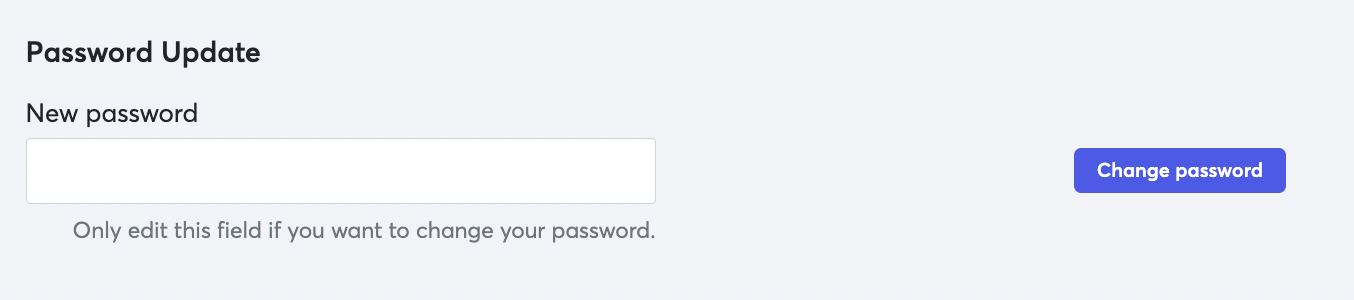
At the bottom of this page is also where you can reset your password for the account.